For the people who know you

The smallest picture you own, and the one seen most.
Free preview, no studio.

Your messenger photo is drawn smaller than any other picture of you, and the people looking at it are family and friends rather than recruiters. Upload a few selfies and PoseLab creates one that is warm, current, and still legible at chat-list size. Free preview, no card.

Free preview · Photos deleted in 30 days · 14-day money-back guarantee

Free preview before you pay
Stripe-secured checkout
Ready in about 25 min
Photos auto-deleted in 30 days
14-day money-back guarantee

The audience already knows what you look like

Every other page on this site is about a photo that has to convince somebody. This one is not. The people who see your messenger picture are your family, your friends, the group chat from five-a-side, and the plumber. They know your face. Nothing about this photo has to establish competence, and a picture that tries to — jacket, studio backdrop, chin angled down — lands as faintly comic among people who saw you eating chips last week.

What it should do instead is be current and warm. The most common problem is not that the picture is unprofessional; it is that it is four years and one haircut out of date, or that it is a group photo cropped so tightly that half a stranger's shoulder is still in shot. Being recognisable to people who know you is a lower bar than looking impressive, but it is a bar a surprising number of profile pictures miss.

Nothing else you own renders this small

In a chat list your photo is a circle roughly the height of two lines of text, sitting next to a name and a message preview, on a phone screen held at arm's length. It is smaller than a professional network's thumbnail and much smaller than a meeting tile. That is the constraint the picture has to be built around, and it is the reason a photo that looks great in a gallery can be an unreadable grey oval in the list where it actually appears.

Everything follows from that. Crop closer than feels natural — the face should fill most of the circle, not sit politely in the middle of a wide shot. Wear one plain colour, because patterns turn into noise. Put something behind you that differs clearly in tone from your hair and skin. And check it on a phone, not a laptop, because the phone is the only screen it will ever be seen on.

Changing it is a small social event

Unlike a work directory, a messenger picture is seen by people who will notice it changed, and some of them will say so. That is not a reason to avoid changing it, but it is worth knowing that this photo carries a little signal the others do not — a new one after a haircut, a new job, or a hard year gets read as news, whether or not you meant it that way.

The practical upshot is to pick something you are happy to leave up for a couple of years rather than something that suits this month. A picture that is warm, close, well lit and undated by a season or a haircut you are about to grow out of will survive far longer than one taken at a specific event, which starts to look like a specific event the moment the event is over.
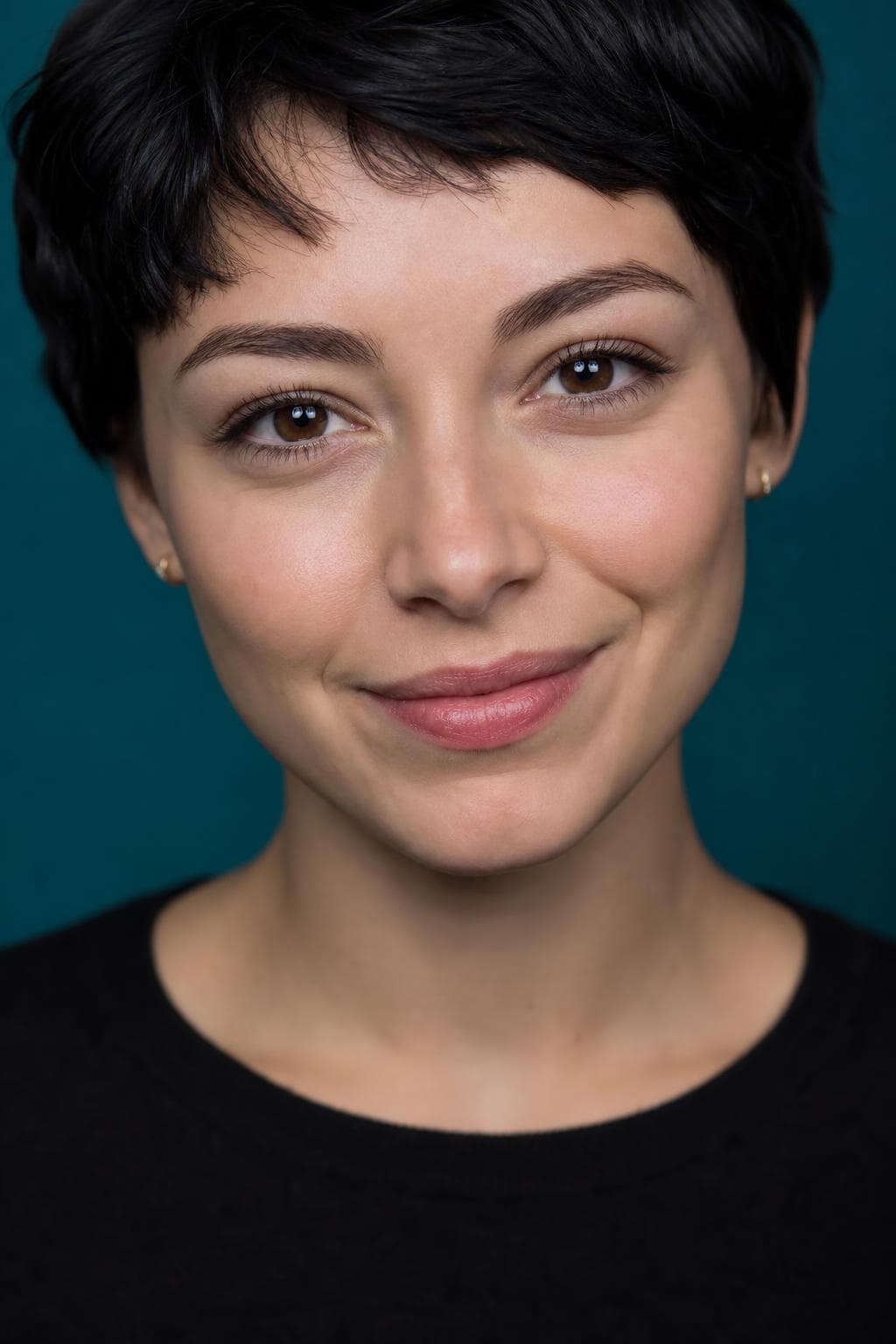
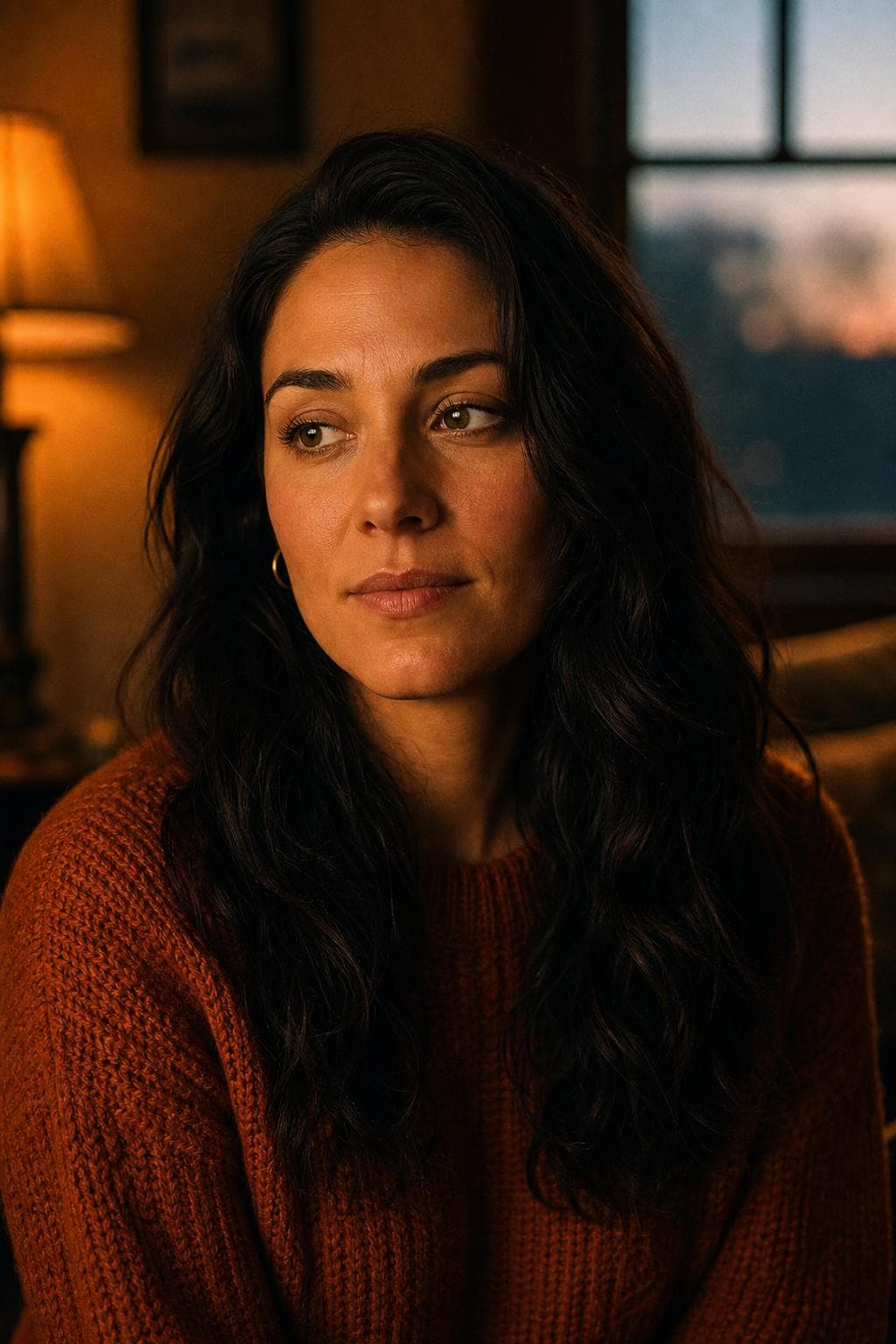
Best styles for whatsapp profile picture.

Every image below was created by PoseLab — not stock photography.

See all 18 styles at full size →

What to upload

  • Send selfies taken in the last year or so; being current is most of what this picture is for
  • Include a few where you are genuinely laughing, not posing — that is the register this audience reads best
  • Wear one plain colour in at least a couple of them, since patterns dissolve into noise at this size
  • Check the result on your phone rather than a laptop, because the phone is the only place it will ever be seen

3–20 photos is the range. More variety in outfit, background, and light gives the result more to work with.

The hard part is making it still look like you.

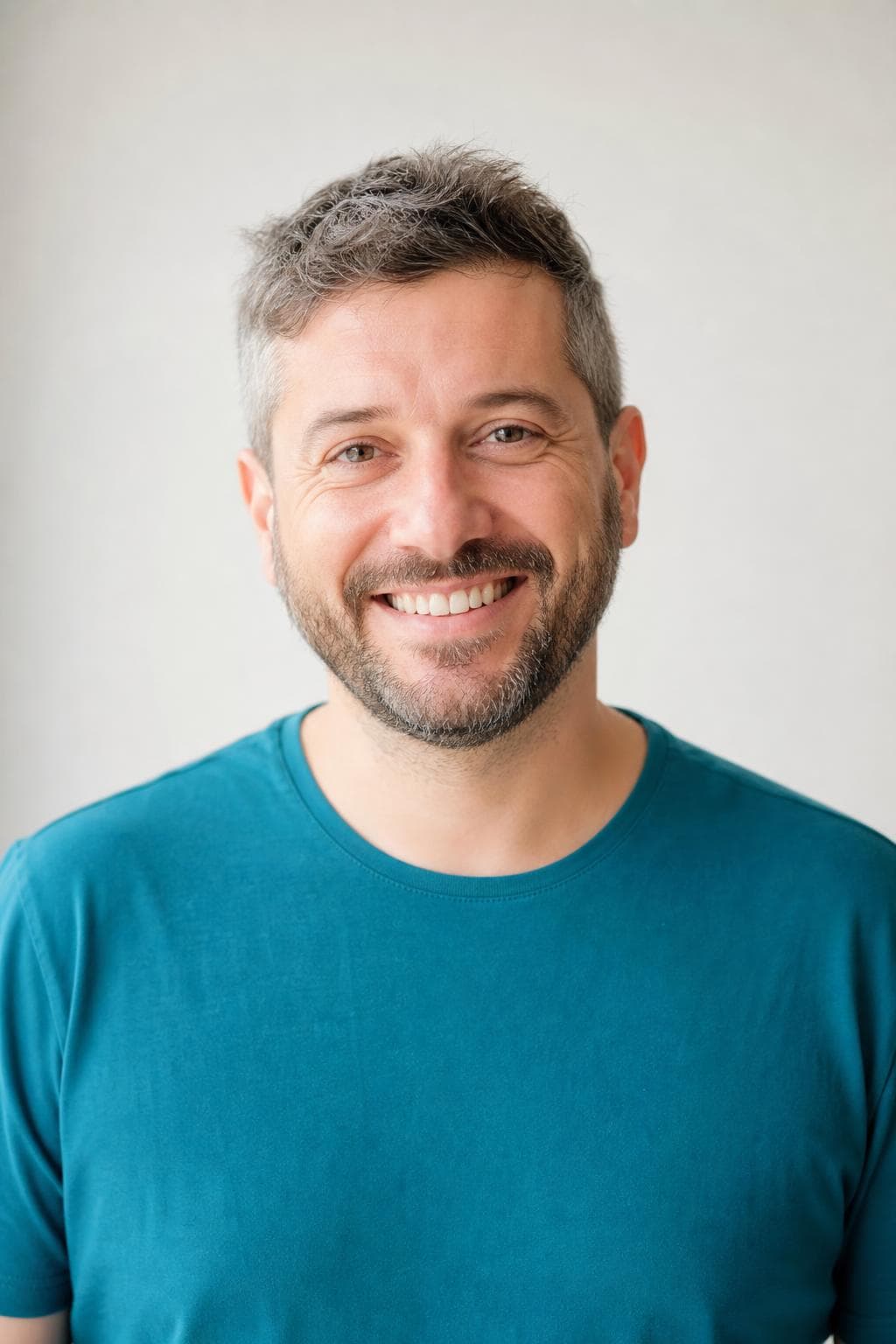
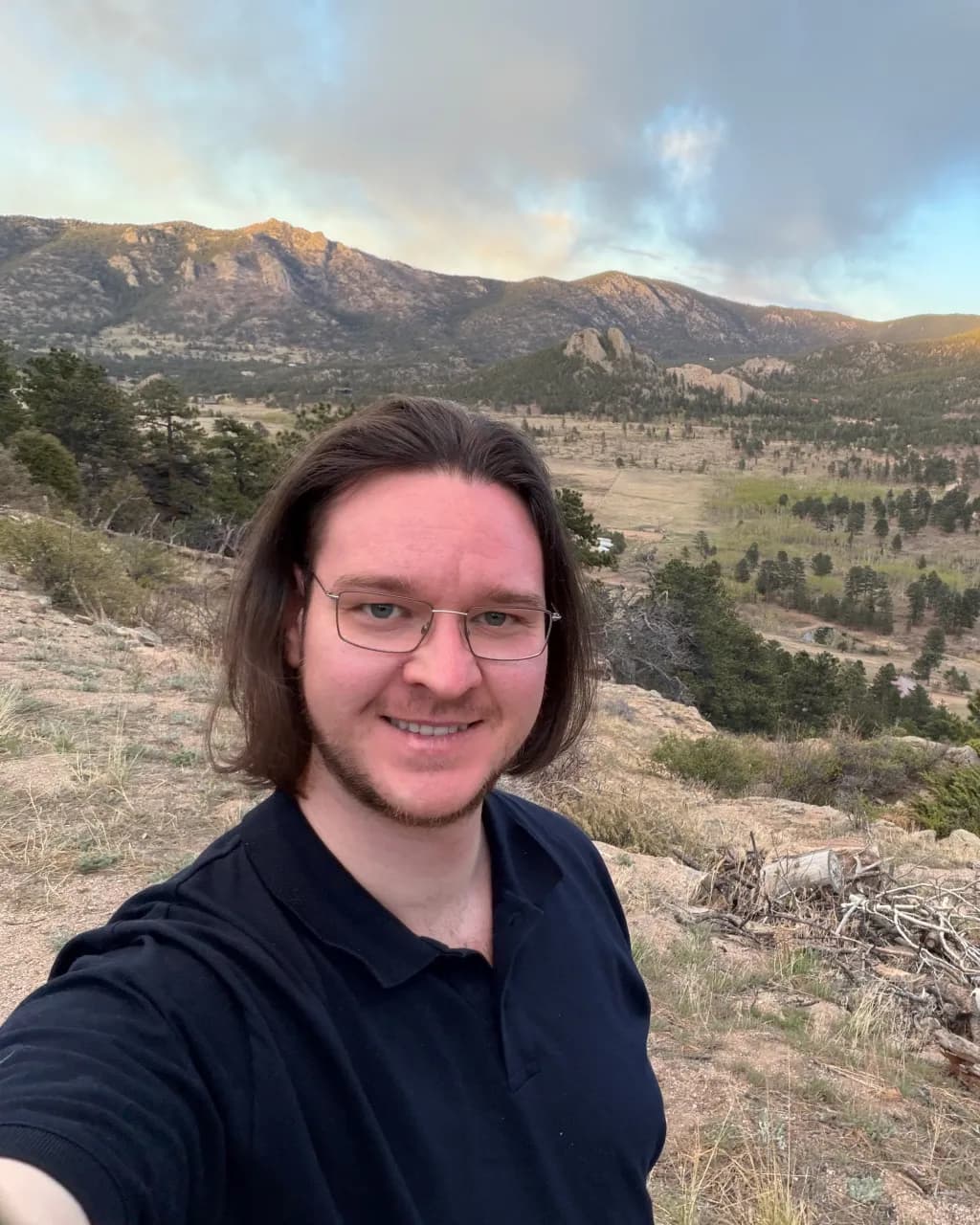
Your selfies guide the AI, so the result keeps your real face — not a generic AI stranger. Here's our founder: a phone selfie on the left, PoseLab on the right. Same person, about 25 minutes apart.

Candid phone selfie of PoseLab's founder before generation

Phone selfie

No lighting. No retouch.

AI headshot of PoseLab's founder generated by PoseLab

PoseLab

Same face. About 25 minutes later.

Built by someone who uses it

PoseLab is run by its founder — the headshot above is his own. If it didn't work on his face, this page wouldn't exist.

A real person answers

No support maze or chatbot. Every email goes to a real inbox, usually answered within a day.

Nothing to lose

See a free preview on your own face before paying, and every paid tier is backed by a 14-day money-back guarantee.

How AI headshots work. No shoot day.

01

Upload 3–20 selfies

Front-facing, varied outfits and lighting. No sunglasses or group shots. The more variety you give us, the better the AI can work with your features. Takes about a minute from your phone.

02

We create from your references

Your selfies guide the AI so each portrait still looks like you, not a generic AI face. We create all styles at once and typically wrap in about 25 minutes.

03

Download your headshots

You'll get an email with a link to your private gallery the moment it's ready. Filter by style, mark your favorites, and grab a ZIP of the full set. Your gallery stays active for 30 days.

One-time pricing. No subscription.

  • Social $24.99

    18 headshots across 6 styles

Pay once · Free retry guarantee · Refunds within 14 days

Also worth reading

WhatsApp profile picture — FAQ

Isn't a professional-looking photo overkill for a messenger app?+

It would be, which is why we would not suggest one. What works here is a clear, warm, recent picture of your face — closer to a good snapshot than to a headshot. The pack includes looks built for exactly that, alongside the more formal ones.

Why does my current picture look fine until it's in the chat list?+

Because the list draws it smaller than almost anything else on your phone. A wide shot loses your face entirely at that size, and a face against a background of similar brightness turns into one shape. Crop tighter and pick a background that contrasts with your hair.

Can I get one picture that works for family and for work?+

One picture can cover both if it is warm and neatly framed, but you will be compromising in both directions. The reason the pack has six looks is that the register for people who know you is genuinely not the register for people evaluating you.

Is the free preview really free?+

Yes. One watermarked headshot per email address, no credit card required. You only pay if you like the result and decide to unlock the full gallery.

Will the headshots actually look like me?+

Yes — that's the core of how it works. Your input selfies act as identity references for the image model, so the generated faces inherit your real face, skin tone, hair, and features. The free preview lets you confirm this on your own face before paying.

How long until I get my headshots?+

Your free preview lands in about 60 seconds. After you upgrade, the full gallery is ready in about 25 minutes — emailed automatically.

What kind of photos should I upload?+

3–20 recent selfies or casual portraits. Vary your outfits, backgrounds, and lighting. Shoulders-up framing works best. Avoid sunglasses, hats, heavy filters, group shots, and photos more than a year or two old. The more variety you give us, the stronger your results.

What if I don't like the results?+

Email hello@poselab.io within 14 days. We'll first retry the style with tighter prompts at no charge. If the retry still misses the mark, we'll issue a full refund — no questions asked.

See the small version before you set it.

Upload 3–20 selfies. Get one watermarked headshot back in about 60 seconds. Pay only if you love it — and we'll refund within 14 days if you change your mind.

Free preview · No subscription · 14-day money-back guarantee