For your work chat

A Slack picture that looks like you on a Tuesday.
Free preview, no studio.

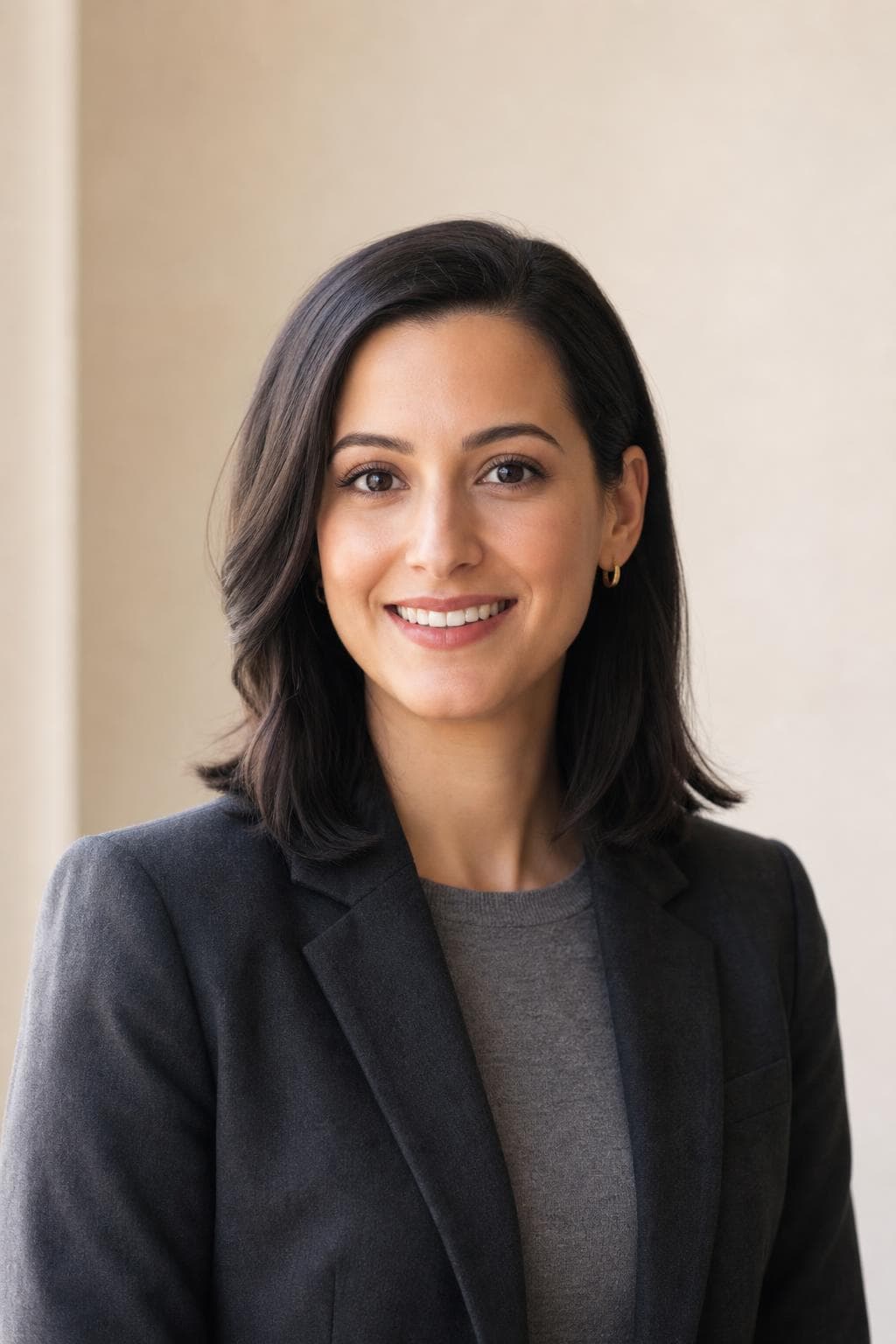
Your avatar sits beside every message you send, all day, in front of people who already know you. Upload a few selfies and PoseLab creates a picture that fits that room — approachable, current, and still readable at the size Slack actually draws it. Free preview, no card.

Free preview · Photos deleted in 30 days · 14-day money-back guarantee

Free preview before you pay
Stripe-secured checkout
Ready in about 25 min
Photos auto-deleted in 30 days
14-day money-back guarantee

Your avatar is repetition, not a first impression

A profile photo on a public network is seen once by a stranger deciding whether to reply. A work chat avatar is the opposite: it appears beside every message you post, in every channel, to the same forty people, for years. Nobody is evaluating it. They are simply looking at it constantly, which changes what a good one is. The photo that wins an evaluation — jaw set, jacket on, studio backdrop — becomes slightly tiring when it turns up two hundred times a day next to a question about the deploy.

That is the whole argument for a separate picture here. The version of you that colleagues see should be the version they would recognise walking to the kitchen: same haircut, same kind of shirt, same face you make when you are half-listening and half-typing. It does not need to be casual to the point of sloppy. It needs to be the register you actually work in, which for most people is a long way from a suit.

Twenty-four pixels is the size that matters

In the message list, an avatar renders somewhere around twenty-four to thirty-six pixels on a standard display — smaller than the text beside it. In the member list and reaction rows it can be smaller still. At that size a photograph is not a photograph; it is three or four blobs of tone. What survives is the outline of your head, the contrast between your face and whatever is behind it, and roughly what colour you are wearing. Nothing else makes it through.

So the practical test is not whether the picture looks good on your monitor. Shrink it in a preview window until it is the width of a lowercase letter and see whether you can still tell it is you. Faces against a background of the same brightness fail this immediately — dark hair in a dim room, pale skin against a white wall. A background that differs in tone from your face and hair is doing more work than any amount of resolution.

Match your team, not the internet

Workspaces have norms, and they are visible before you upload anything. Scroll a busy channel and look at what the people two levels above you are using. Some teams are entirely photographs; some are half illustrations and pets; some have a company-issued set where everyone stands against the same wall. Landing far outside that range is the one way a profile picture actually costs you something, and it is avoidable in thirty seconds of looking.

If the norm is photographic and informal, an open collar and a real room behind you is the safe centre of it. If the norm is a company-issued headshot, the useful move is to match its formality rather than to out-dress it. And if you keep a photo on both a public professional profile and your work chat, they do not have to be the same file — most people are better served by two pictures with the same haircut than by one photo carried everywhere.
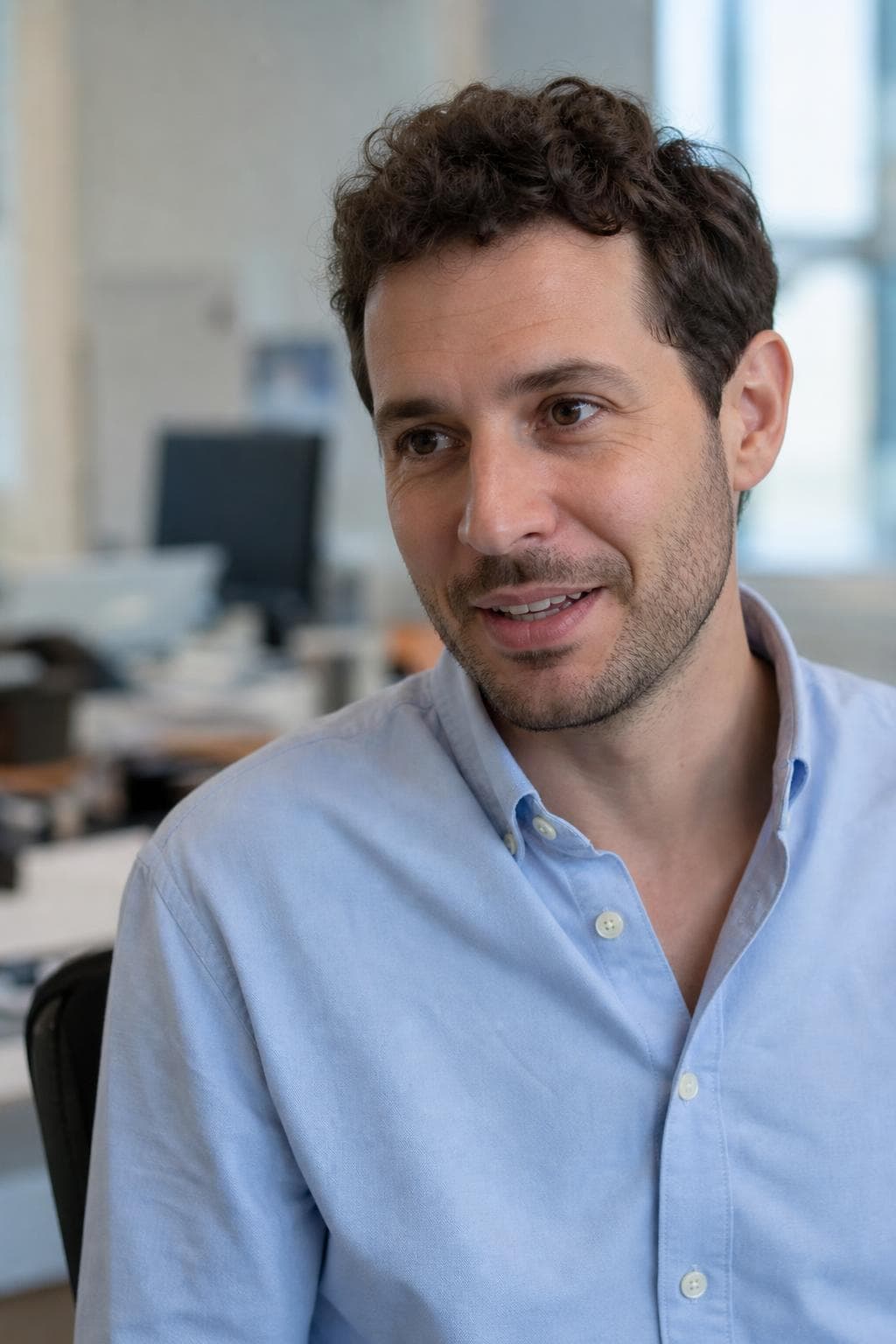
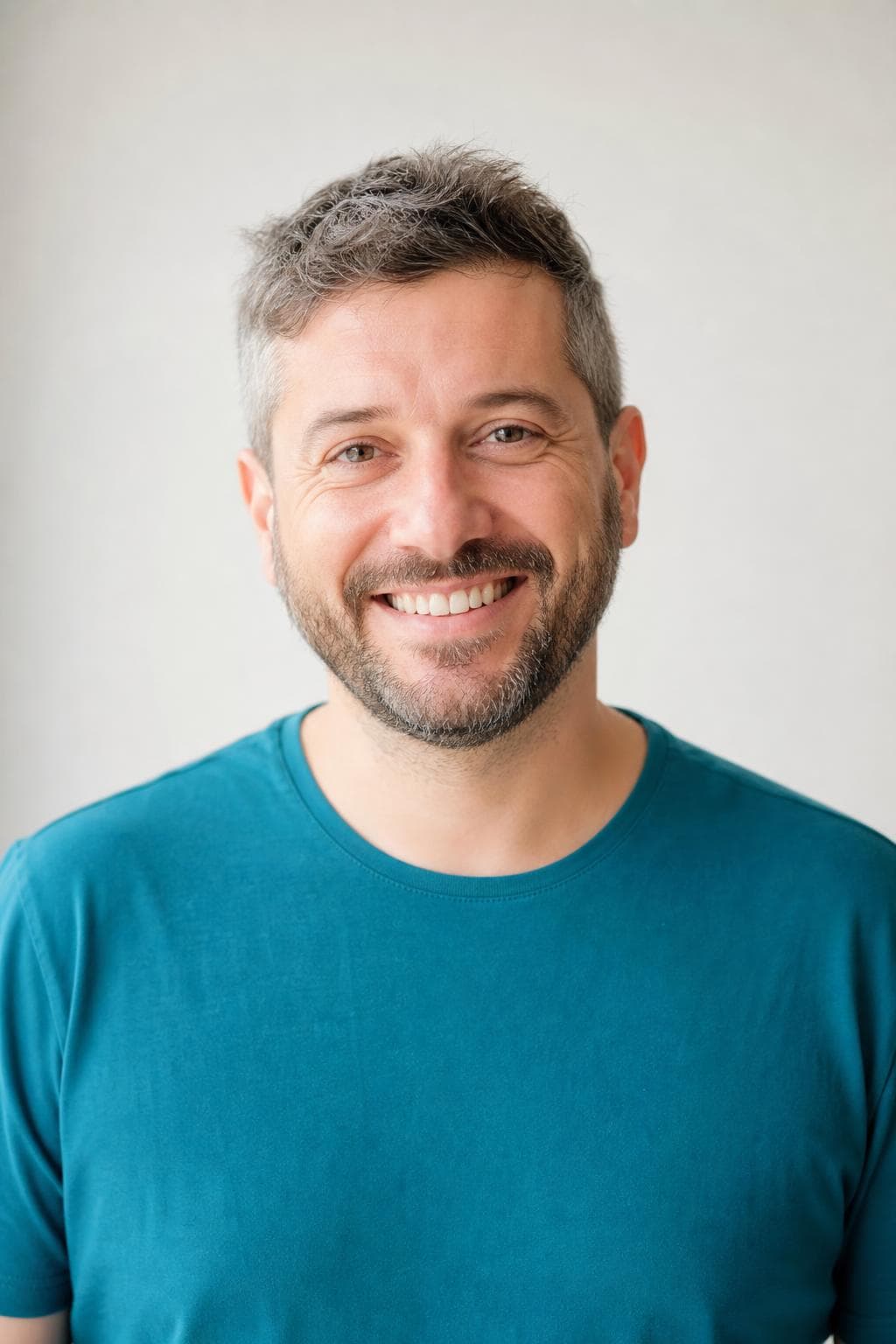
Best styles for slack profile picture.

Every image below was created by PoseLab — not stock photography.

See all 18 styles at full size →

What to upload

  • Upload selfies wearing what you actually wear to work, not what you own that is smartest
  • Include a couple taken at your desk or in an office — the light there is what the result has to match
  • Shoot at eye level rather than from below; a laptop camera angle is the one thing colleagues will notice
  • Skip anything with a lanyard, headset, or badge in shot — they date the photo faster than your haircut does

3–20 photos is the range. More variety in outfit, background, and light gives the result more to work with.

The hard part is making it still look like you.

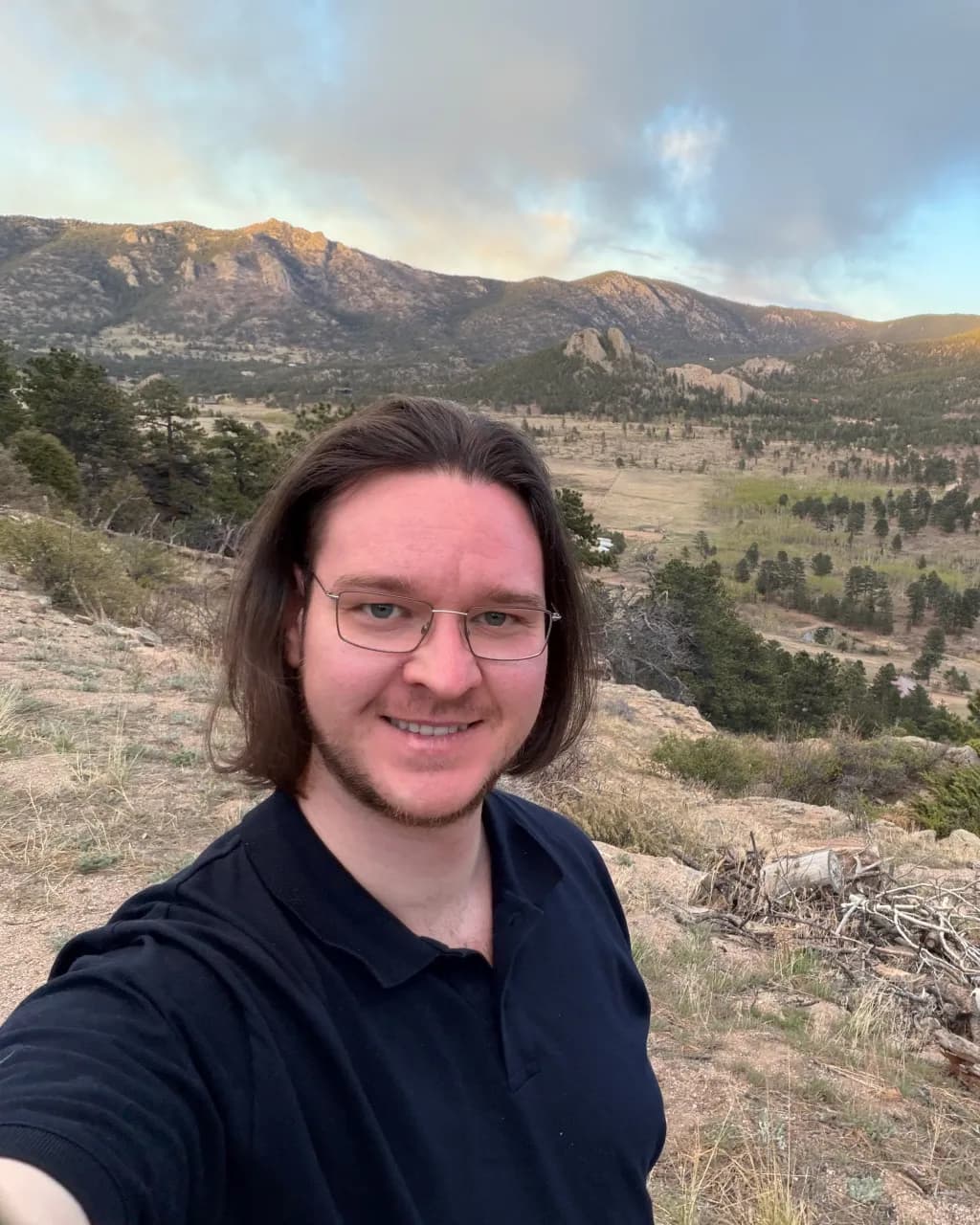
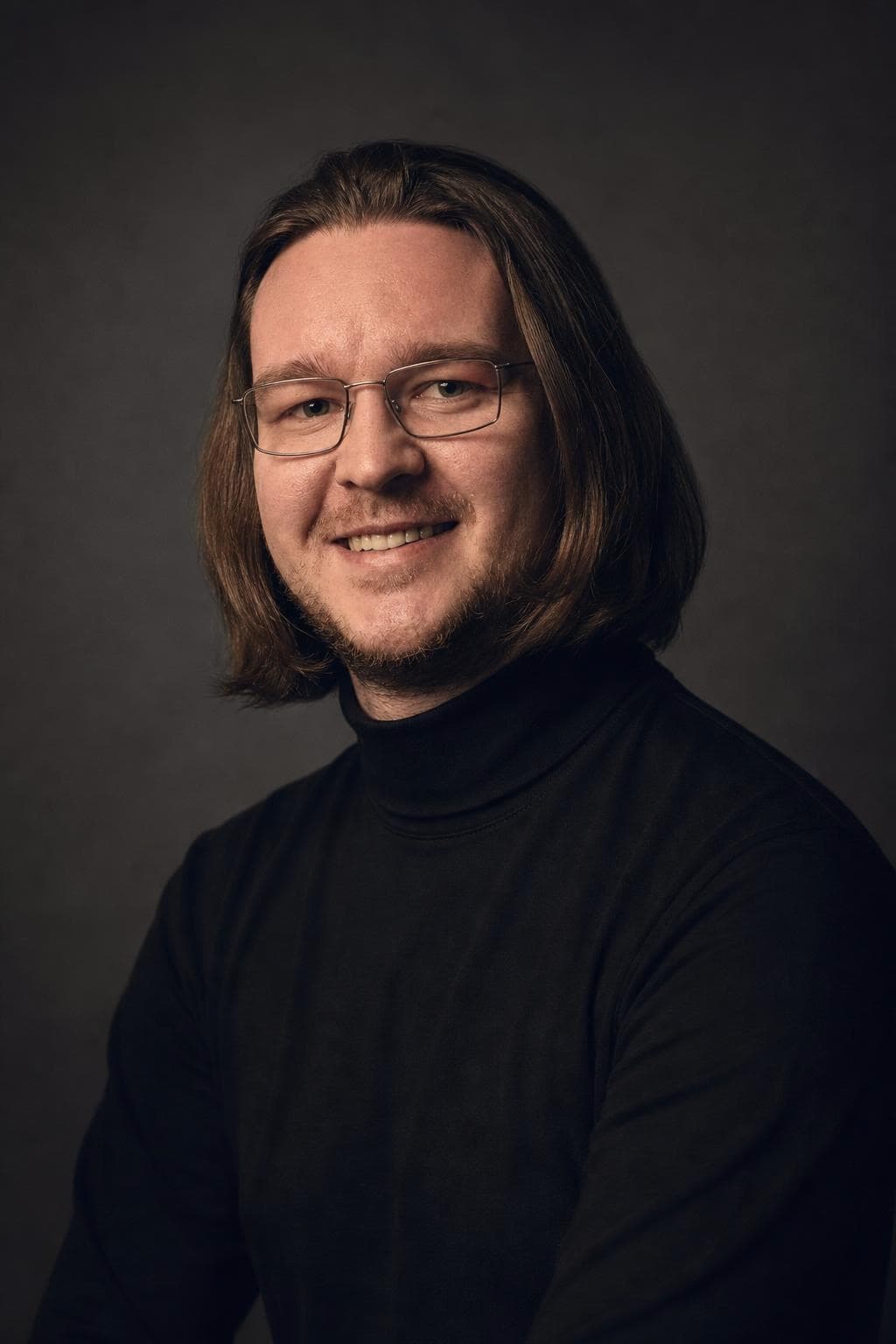
Your selfies guide the AI, so the result keeps your real face — not a generic AI stranger. Here's our founder: a phone selfie on the left, PoseLab on the right. Same person, about 25 minutes apart.

Candid phone selfie of PoseLab's founder before generation

Phone selfie

No lighting. No retouch.

AI headshot of PoseLab's founder generated by PoseLab

PoseLab

Same face. About 25 minutes later.

Built by someone who uses it

PoseLab is run by its founder — the headshot above is his own. If it didn't work on his face, this page wouldn't exist.

A real person answers

No support maze or chatbot. Every email goes to a real inbox, usually answered within a day.

Nothing to lose

See a free preview on your own face before paying, and every paid tier is backed by a 14-day money-back guarantee.

How AI headshots work. No shoot day.

01

Upload 3–20 selfies

Front-facing, varied outfits and lighting. No sunglasses or group shots. The more variety you give us, the better the AI can work with your features. Takes about a minute from your phone.

02

We create from your references

Your selfies guide the AI so each portrait still looks like you, not a generic AI face. We create all styles at once and typically wrap in about 25 minutes.

03

Download your headshots

You'll get an email with a link to your private gallery the moment it's ready. Filter by style, mark your favorites, and grab a ZIP of the full set. Your gallery stays active for 30 days.

One-time pricing. No subscription.

  • Social $24.99

    18 headshots across 6 styles

Pay once · Free retry guarantee · Refunds within 14 days

Also worth reading

Slack profile picture — FAQ

Should my work chat picture match my public profile photo?+

It helps that they are recognisably the same person, but they do not have to be the same file. A public profile is seen once by strangers and can afford to be more formal; a work avatar is seen daily by people who know you and does better slightly relaxed. Same haircut, two registers.

Is a photo better than an illustration or an emoji?+

For most people, yes, and for one reason: colleagues scan for faces. A photograph is found faster in a member list than a drawing. That said, if half your team runs illustrations, one more illustration is not a problem — matching the room matters more than the rule.

How often should I change it?+

When it stops matching you. A picture that shows a beard you shaved off or hair you cut two years ago quietly makes every meeting introduction slightly odd. Otherwise leave it alone — an avatar that changes monthly makes you harder to find in a long channel.

Is the free preview really free?+

Yes. One watermarked headshot per email address, no credit card required. You only pay if you like the result and decide to unlock the full gallery.

Will the headshots actually look like me?+

Yes — that's the core of how it works. Your input selfies act as identity references for the image model, so the generated faces inherit your real face, skin tone, hair, and features. The free preview lets you confirm this on your own face before paying.

How long until I get my headshots?+

Your free preview lands in about 60 seconds. After you upgrade, the full gallery is ready in about 25 minutes — emailed automatically.

What kind of photos should I upload?+

3–20 recent selfies or casual portraits. Vary your outfits, backgrounds, and lighting. Shoulders-up framing works best. Avoid sunglasses, hats, heavy filters, group shots, and photos more than a year or two old. The more variety you give us, the stronger your results.

What if I don't like the results?+

Email hello@poselab.io within 14 days. We'll first retry the style with tighter prompts at no charge. If the retry still misses the mark, we'll issue a full refund — no questions asked.

See your work picture before you change it.

Upload 3–20 selfies. Get one watermarked headshot back in about 60 seconds. Pay only if you love it — and we'll refund within 14 days if you change your mind.

Free preview · No subscription · 14-day money-back guarantee