For actors & performers

Agency-style headshots between auditions.
No booking, no day rate.

Casting moves fast and your look changes. Upload a few selfies and preview an actor-style headshot free — direct gaze, clean lighting — then unlock a gallery in about 25 minutes. The Actor and Editorial B&W styles are built for exactly this.

Free preview · Photos deleted in 30 days · 14-day money-back guarantee

Free preview before you pay
Stripe-secured checkout
Ready in about 25 min
Photos auto-deleted in 30 days
14-day money-back guarantee

What the agency conventions actually are

An agency headshot is a narrow format on purpose. Plain, unpatterned background. Head and shoulders. A direct gaze down the lens with the eyes in sharp focus. Natural expression, current look, minimal retouching — the brief is that a casting director should be able to tell exactly who walks into the room. Anything decorative works against it.

That's what the Actor style is built to: neutral mid-tone background, soft light from above, direct gaze, no heavy smoothing. Editorial B&W is the traditional second look — strong side light and deep shadow, the register used for theatre and long-form profiles. Each casting platform also has its own upload spec for dimensions and file size, so check theirs before you submit rather than after.

Read your agency's position on AI before you submit anything

This is the part we'd rather tell you up front than have you discover after paying. Agencies, casting platforms, and unions have taken varying positions on digitally-created images, and some are explicit that a submission headshot must come from a real session with a photographer. If yours says that, this is not the right tool for your submission photo, and no amount of quality changes that.

Ask your agent directly, and check the terms of the platforms you upload to. It's a two-minute question with a clear answer, and it's the same question you'd want settled before spending a day rate on a shoot.

Where it genuinely fits an actor's kit

Even where a submission photo has to come from a shoot, the rest of your presence doesn't. Your own site, your social profiles, an electronic press kit, a programme bio, a director's introduction email — all of those need a current photo, and all of them go stale the moment you change your look for a role.

The other use is cheap and slightly unglamorous: deciding what to shoot. Seeing yourself in a colour agency-style frame and a black-and-white editorial one, from selfies, before you book a photographer, is a genuinely useful way to settle which direction you want to pay for. The free preview does that for nothing.
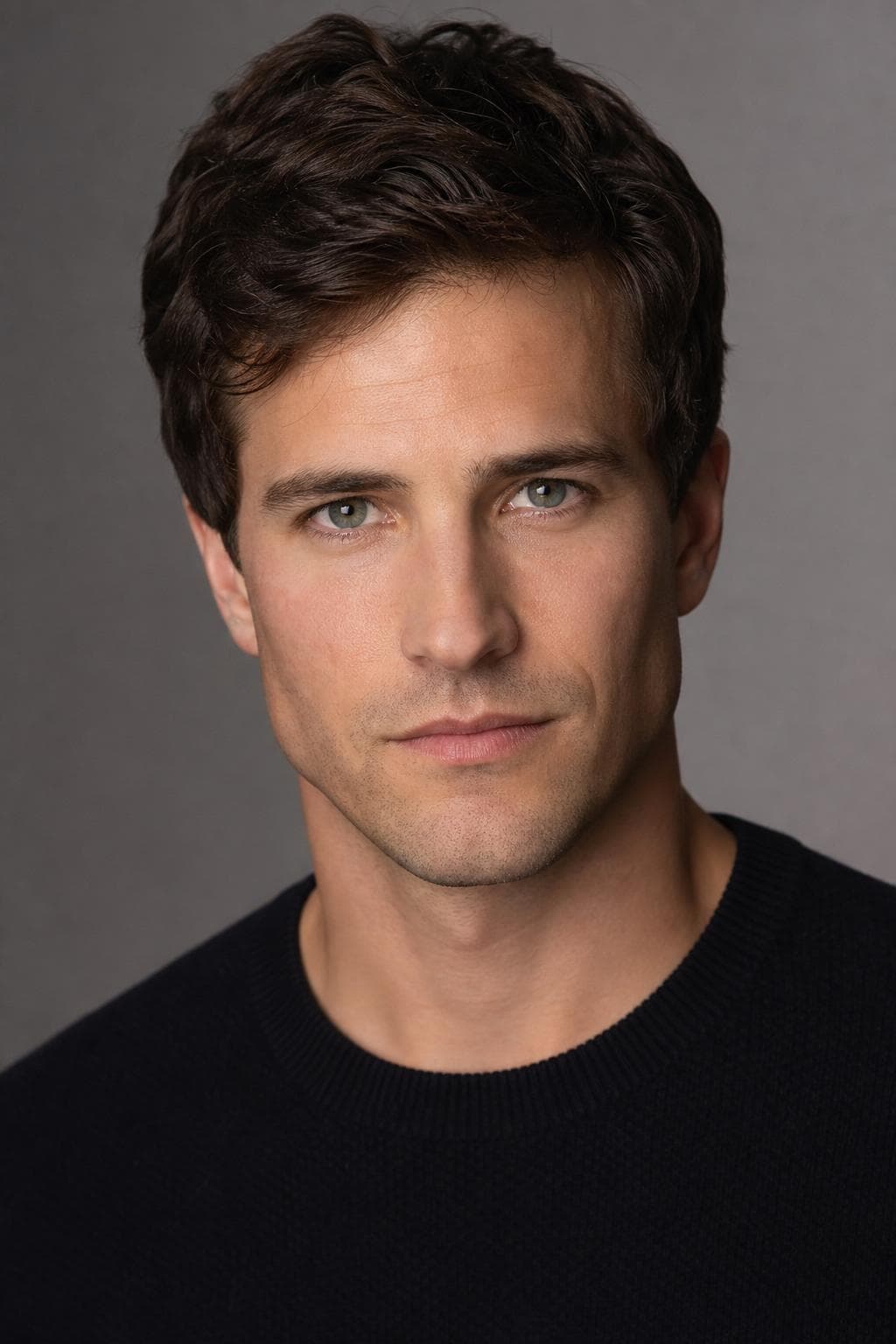
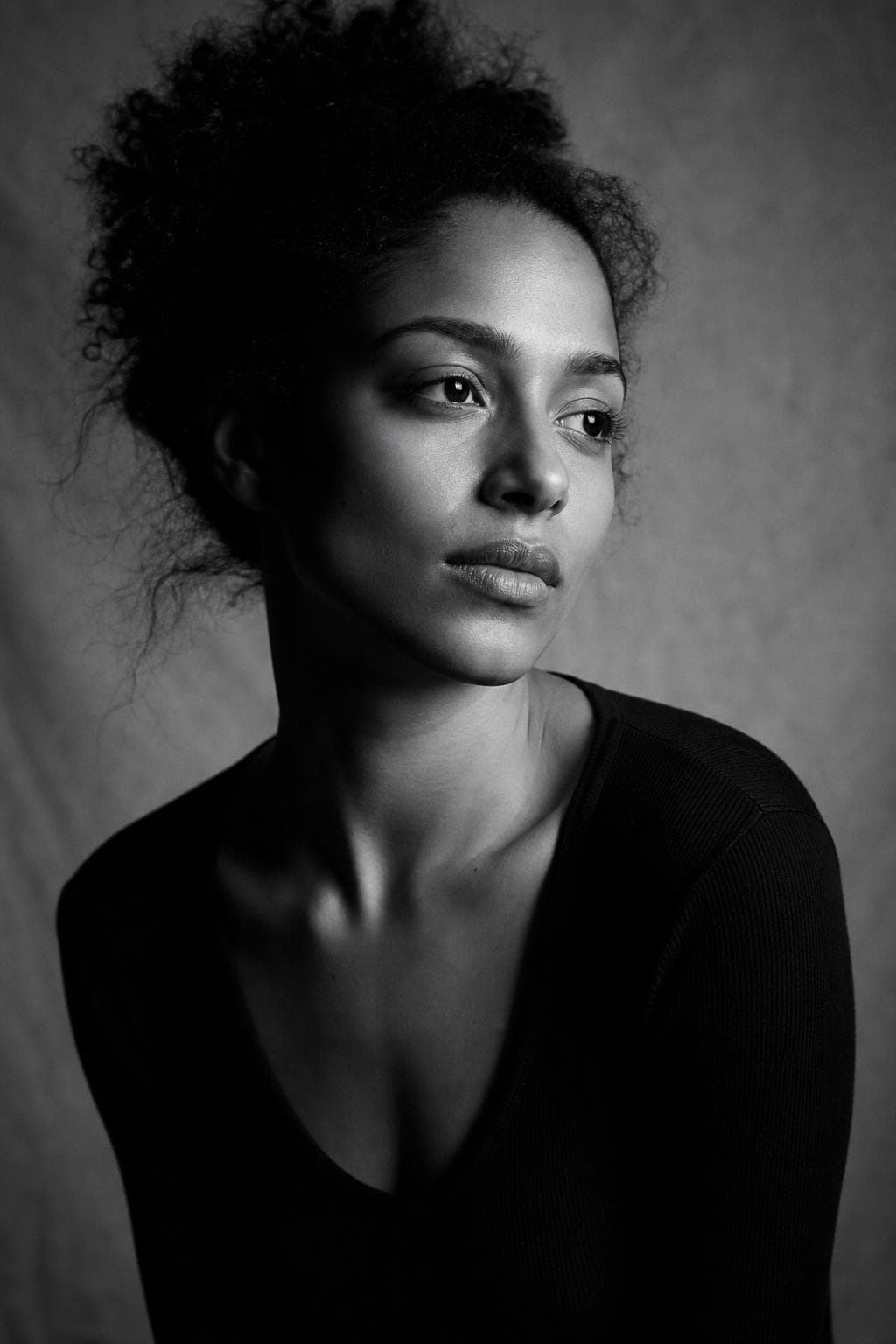
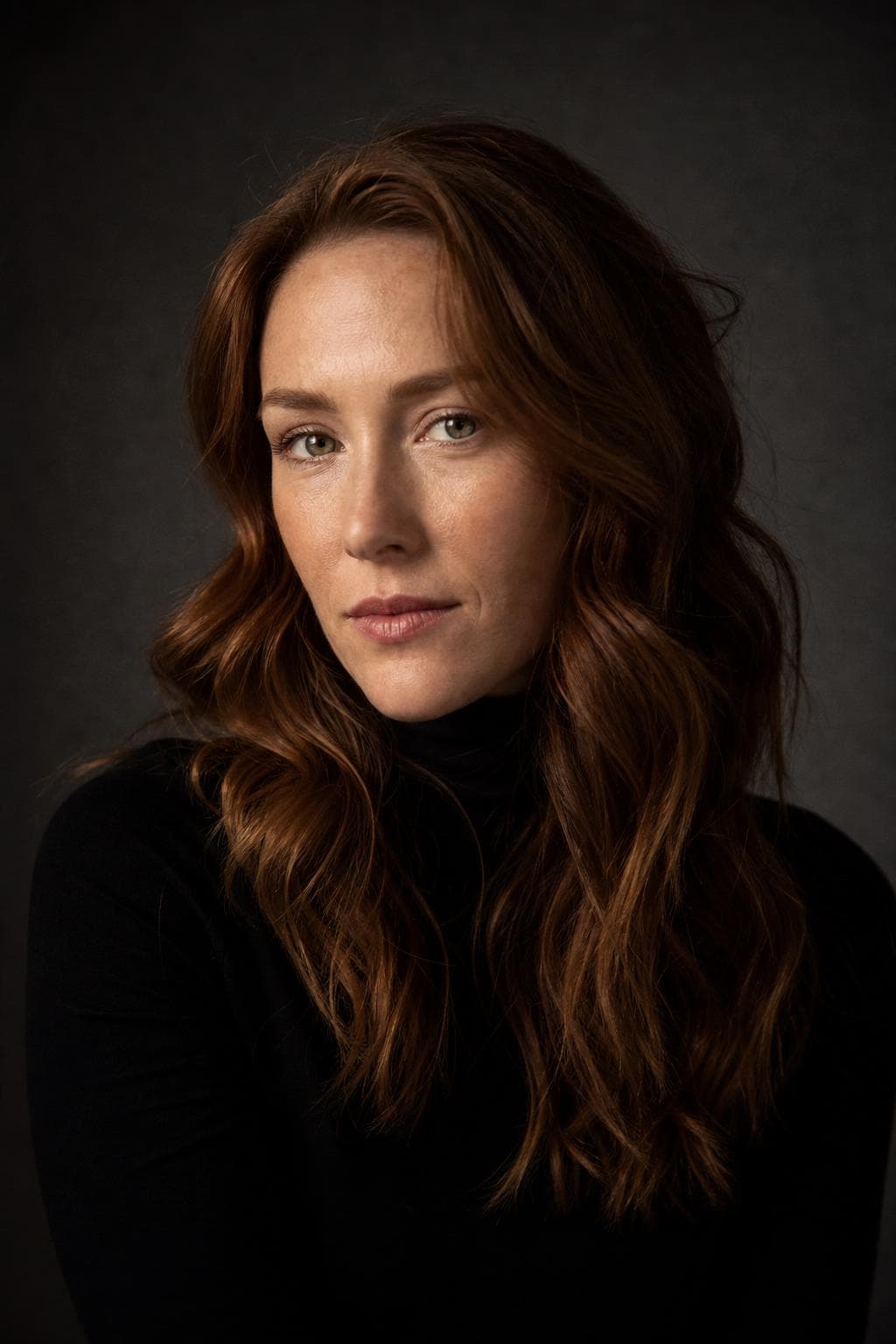
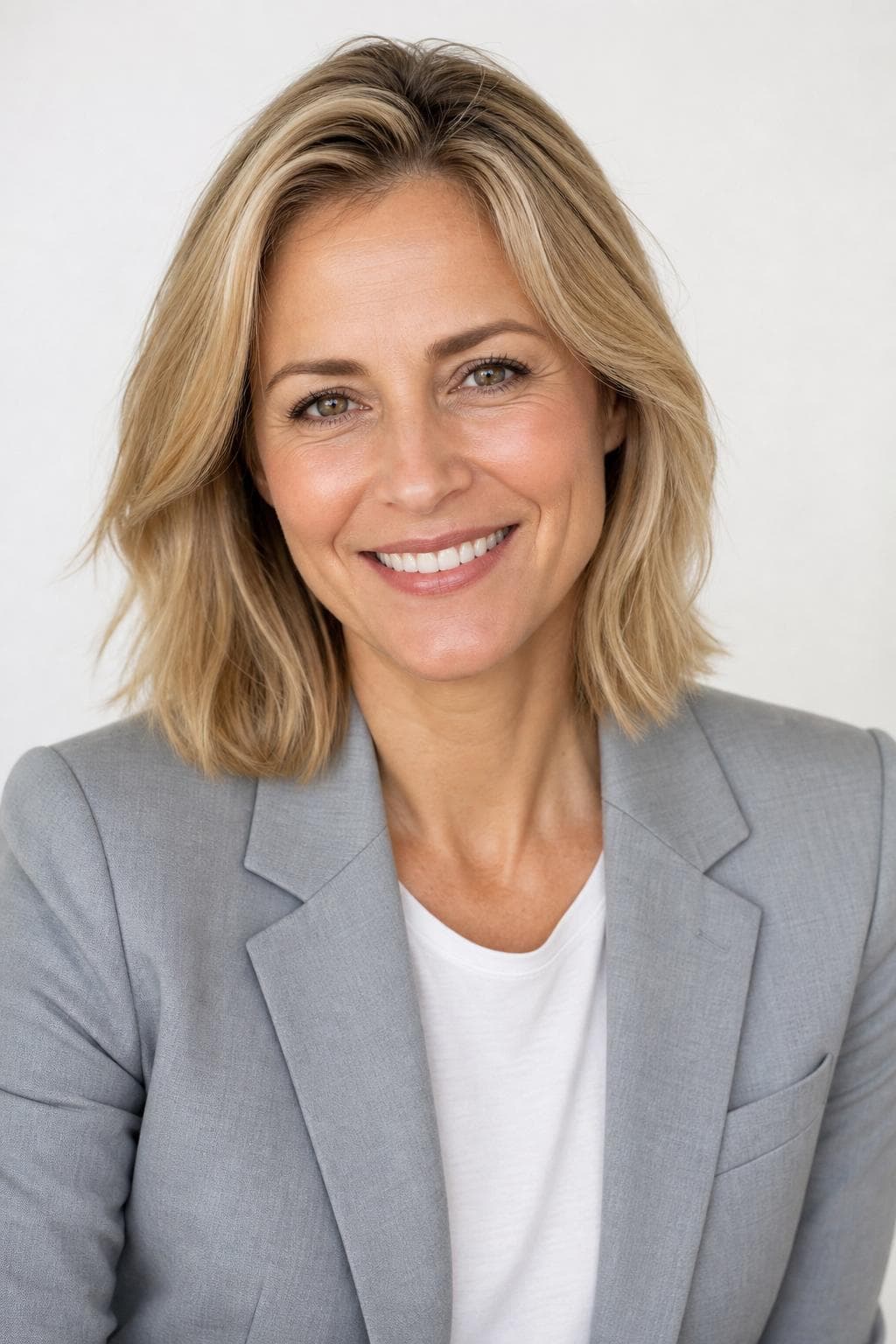
Best styles for actor headshots.

Every image below was created by PoseLab — not stock photography.

See all 18 styles at full size →

What to upload

  • Upload your current look. If you grew the beard for a role you're still in, that's the look casting needs to see.
  • Include both neutral and lightly smiling references — commercial and dramatic casting want different things from the same face.
  • No smoothing filters, no heavy makeup in the references. The agency brief is minimal retouching, and the uploads set that baseline.
  • Plain tops only. Patterns and statement collars pull attention off the face, which is the whole thing the frame is about.

3–20 photos is the range. More variety in outfit, background, and light gives the result more to work with.

The hard part is making it still look like you.

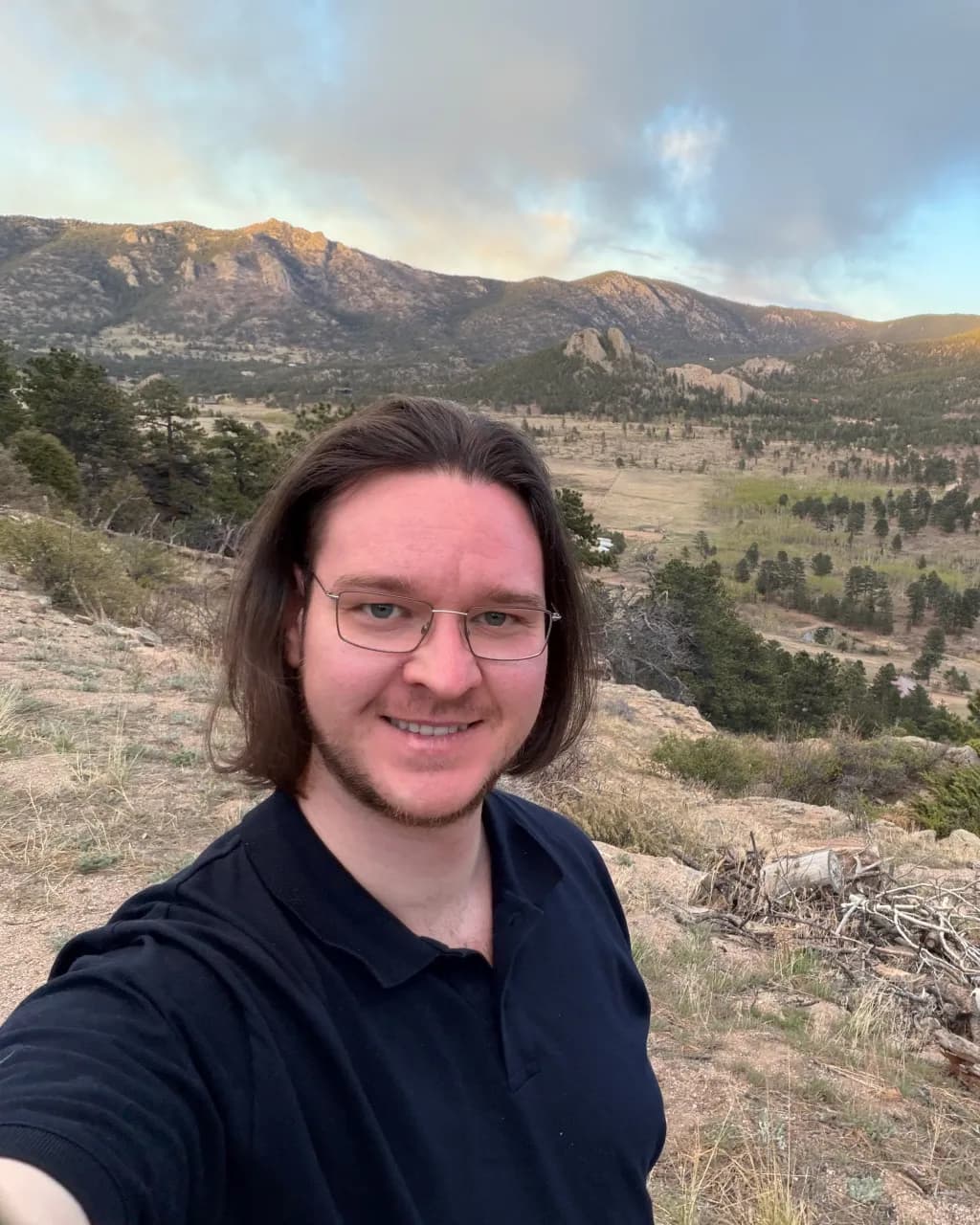
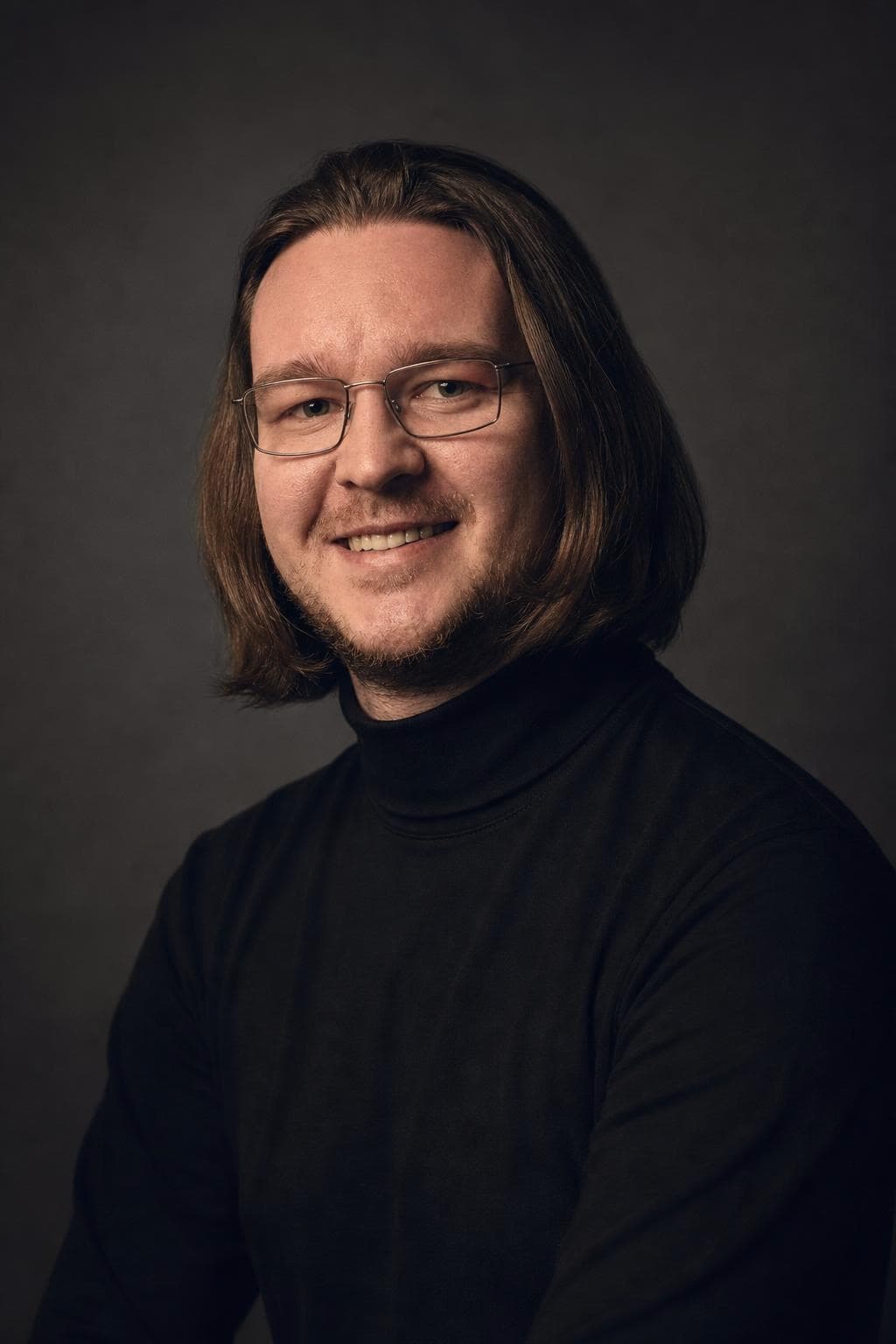
Your selfies guide the AI, so the result keeps your real face — not a generic AI stranger. Here's our founder: a phone selfie on the left, PoseLab on the right. Same person, about 25 minutes apart.

Candid phone selfie of PoseLab's founder before generation

Phone selfie

No lighting. No retouch.

AI headshot of PoseLab's founder generated by PoseLab

PoseLab

Same face. About 25 minutes later.

Built by someone who uses it

PoseLab is run by its founder — the headshot above is his own. If it didn't work on his face, this page wouldn't exist.

A real person answers

No support maze or chatbot. Every email goes to a real inbox, usually answered within a day.

Nothing to lose

See a free preview on your own face before paying, and every paid tier is backed by a 14-day money-back guarantee.

How AI headshots work. No shoot day.

01

Upload 3–20 selfies

Front-facing, varied outfits and lighting. No sunglasses or group shots. The more variety you give us, the better the AI can work with your features. Takes about a minute from your phone.

02

We create from your references

Your selfies guide the AI so each portrait still looks like you, not a generic AI face. We create all styles at once and typically wrap in about 25 minutes.

03

Download your headshots

You'll get an email with a link to your private gallery the moment it's ready. Filter by style, mark your favorites, and grab a ZIP of the full set. Your gallery stays active for 30 days.

One-time pricing. No subscription.

  • Starter $9.99

    5 headshots across 5 styles

  • Pro $19.99

    21 headshots across 7 styles

  • Premium $35

    48 headshots across 12 styles

Pay once · Free retry guarantee · Refunds within 14 days

Also worth reading

Actor headshots — FAQ

Do these match what casting expects?+

The Actor style uses a neutral background, soft butterfly lighting, and a direct gaze into the lens — the agency-headshot conventions. Premium adds Editorial B&W and print-ready resolution. Always check your specific agency's spec; you can preview free first.

Will my agency accept an AI headshot?+

Some will and some explicitly won't — several agencies, casting platforms, and unions require submission photos to come from a real session with a photographer. Ask your agent before you order. If the answer is no, use these for your own site, socials, and press kit rather than for submissions.

Can I get different looks for different roles?+

Yes. Premium spans 12 styles so you can present a commercial-friendly look, a dramatic editorial frame, and more — all from one upload.

Can I use this to decide what to shoot with a photographer?+

That's one of the better uses for it. Seeing yourself in a colour agency frame and a black-and-white editorial one before you book a day rate makes the shoot brief a lot more specific — and the free preview costs you nothing to try.

Is the free preview really free?+

Yes. One watermarked headshot per email address, no credit card required. You only pay if you like the result and decide to unlock the full gallery.

Will the headshots actually look like me?+

Yes — that's the core of how it works. Your input selfies act as identity references for the image model, so the generated faces inherit your real face, skin tone, hair, and features. The free preview lets you confirm this on your own face before paying.

How long until I get my headshots?+

Your free preview lands in about 60 seconds. After you upgrade, the full gallery is ready in about 25 minutes — emailed automatically.

What kind of photos should I upload?+

3–20 recent selfies or casual portraits. Vary your outfits, backgrounds, and lighting. Shoulders-up framing works best. Avoid sunglasses, hats, heavy filters, group shots, and photos more than a year or two old. The more variety you give us, the stronger your results.

What if I don't like the results?+

Email hello@poselab.io within 14 days. We'll first retry the style with tighter prompts at no charge. If the retry still misses the mark, we'll issue a full refund — no questions asked.

See both looks before you book a shoot.

Upload 3–20 selfies. Get one watermarked headshot back in about 60 seconds. Pay only if you love it — and we'll refund within 14 days if you change your mind.

Free preview · No subscription · 14-day money-back guarantee