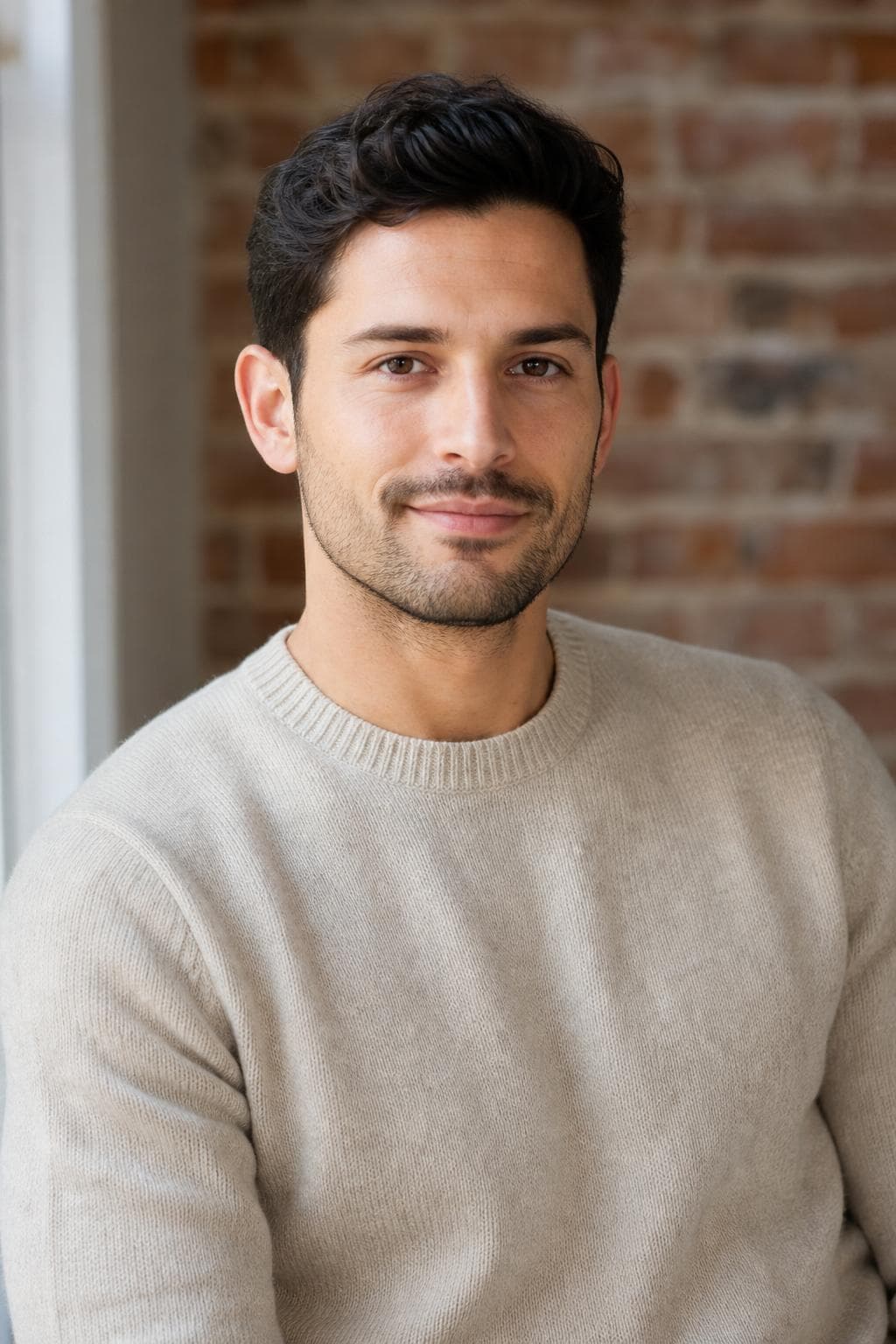
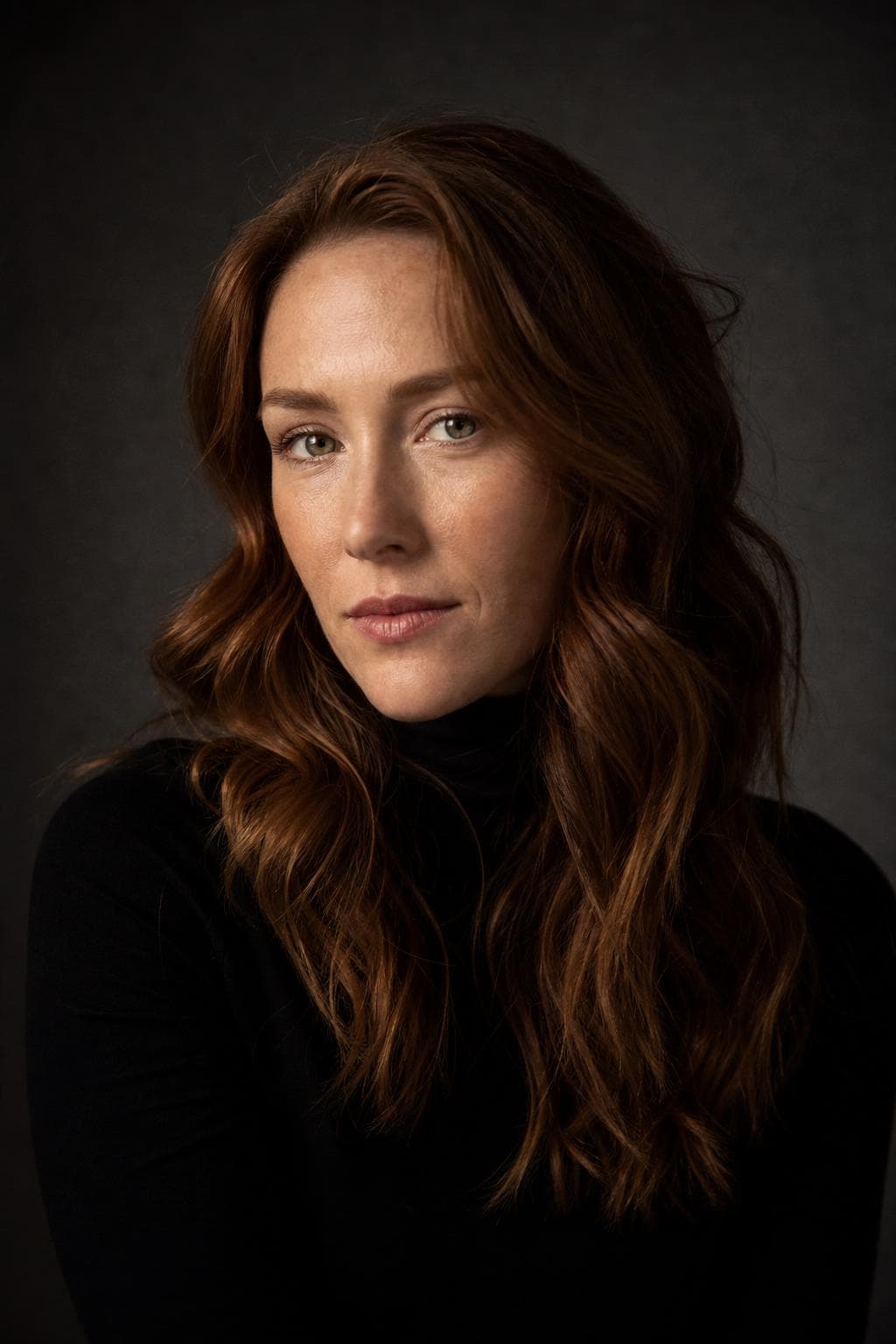
For your job search

Look interview-ready everywhere you apply.
Without a studio bill.

A consistent, professional photo across LinkedIn, your CV, and application portals makes you easier to remember. Upload a few selfies, preview one headshot free, and unlock a full set of polished looks — for less than a single studio sitting.

Free preview · Photos deleted in 30 days · 14-day money-back guarantee

Free preview before you pay
Stripe-secured checkout
Ready in about 25 min
Photos auto-deleted in 30 days
14-day money-back guarantee

In the US, the photo usually doesn't go on the résumé

American hiring convention is to leave the photo off the résumé itself. Most employers don't expect one, some applicant-tracking systems mangle images when they parse the file, and plenty of recruiting teams are actively trained to avoid photos on applications for bias reasons. Adding one rarely helps and occasionally gets your document reformatted into something unreadable.

That convention is not universal. In much of continental Europe, and in several Asian markets, a photo on the CV is still standard and its absence is noticed. Follow the norm of the country you're applying in rather than the one you read about first — and if you're applying across both, keep two versions of the document.

So where does the photo do its work?

On everything the résumé points at. A recruiter who likes your application opens LinkedIn next, and often a portfolio site or a candidate profile in the company's own portal after that. Those are the surfaces where a good photo removes friction, and where a dark, cropped-from-a-wedding photo creates it.

Use the same image on all of them. Three different photos across three profiles makes you three half-remembered people; one repeated photo makes you a person the panel recognises when you join the call. That's most of the value — not that a headshot gets you the interview, but that it removes one small reason for someone to move on.

Match the style to the industry you're applying into

Finance, law, insurance, and consulting still expect the formal register: Corporate is the safe choice, Executive if you're going in at director level or above. Tech, product, design, and agency roles read a full suit as slightly off — Startup or Creative land better. Healthcare, education, sales, and anything client-facing reward the approachable end, which is what Friendly is for.

If you're applying across more than one of those at once, that's the actual argument for a gallery over a single photo: you pick per application instead of hoping one image works everywhere. Every tier includes the five core styles, so even the entry tier gives you a formal option and a casual one from the same set of selfies.
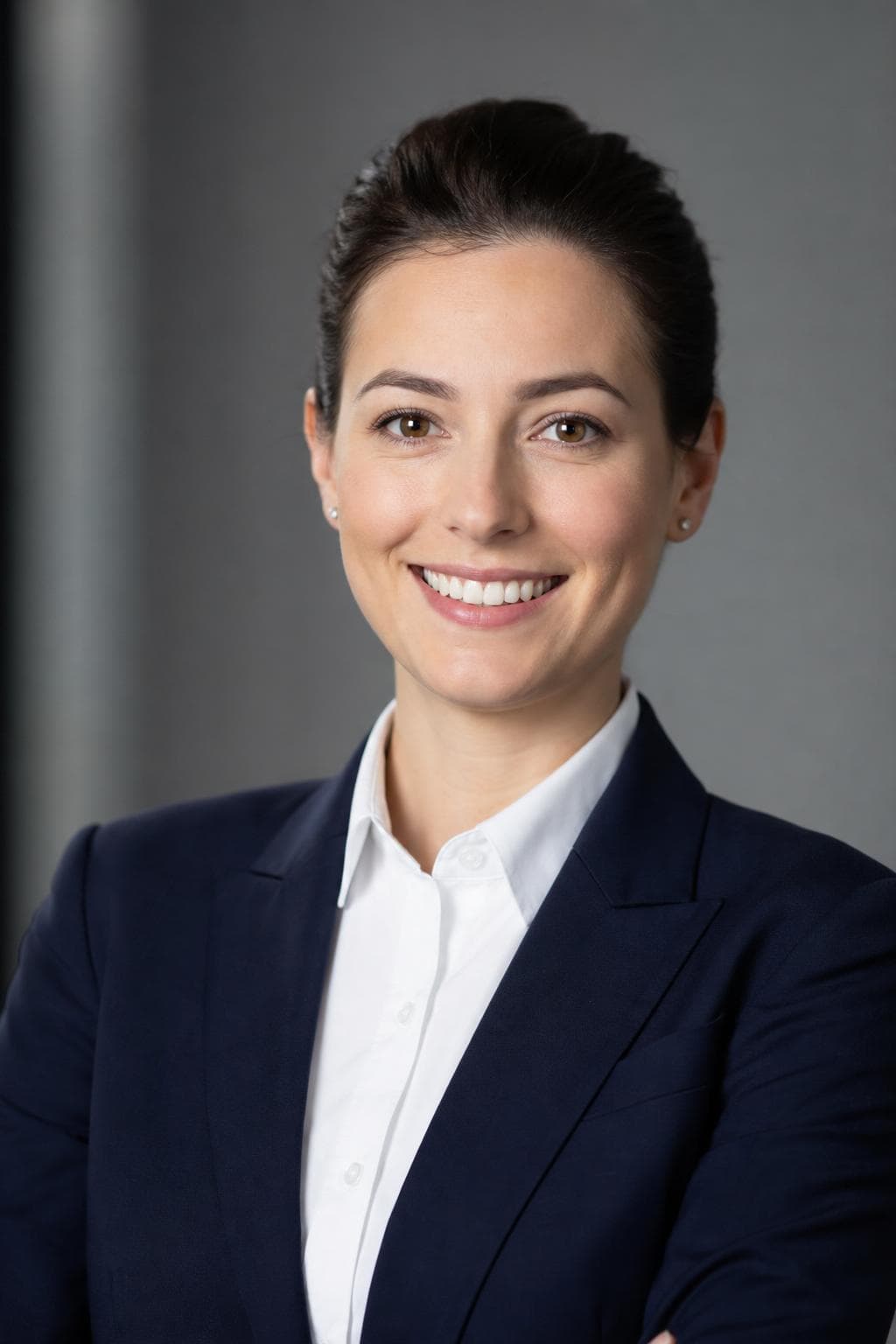
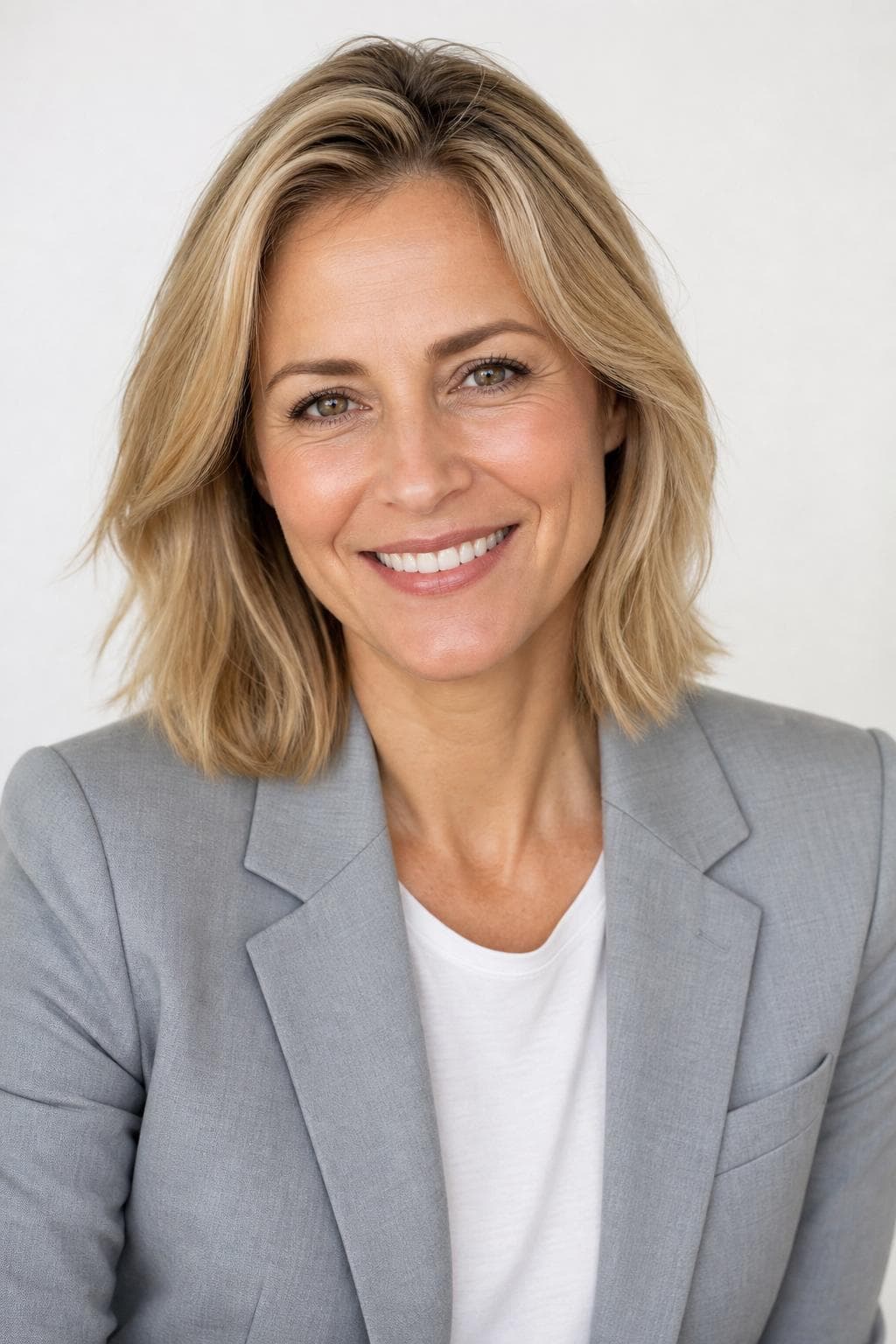
Best styles for headshots for job seekers.

Every image below was created by PoseLab — not stock photography.

See all 18 styles at full size →

What to upload

  • Upload selfies from the last few months. If you cut your hair before the interview round, upload after the haircut, not before.
  • Include a couple of photos in something close to what you'd wear to the interview — it gives the result a familiar starting point.
  • Neutral expression in some, a light smile in others. That gives you both registers in the gallery instead of one.
  • Even indoor light near a window beats a bright overhead lamp. Overhead light puts shadows exactly where you don't want them.

3–20 photos is the range. More variety in outfit, background, and light gives the result more to work with.

The hard part is making it still look like you.

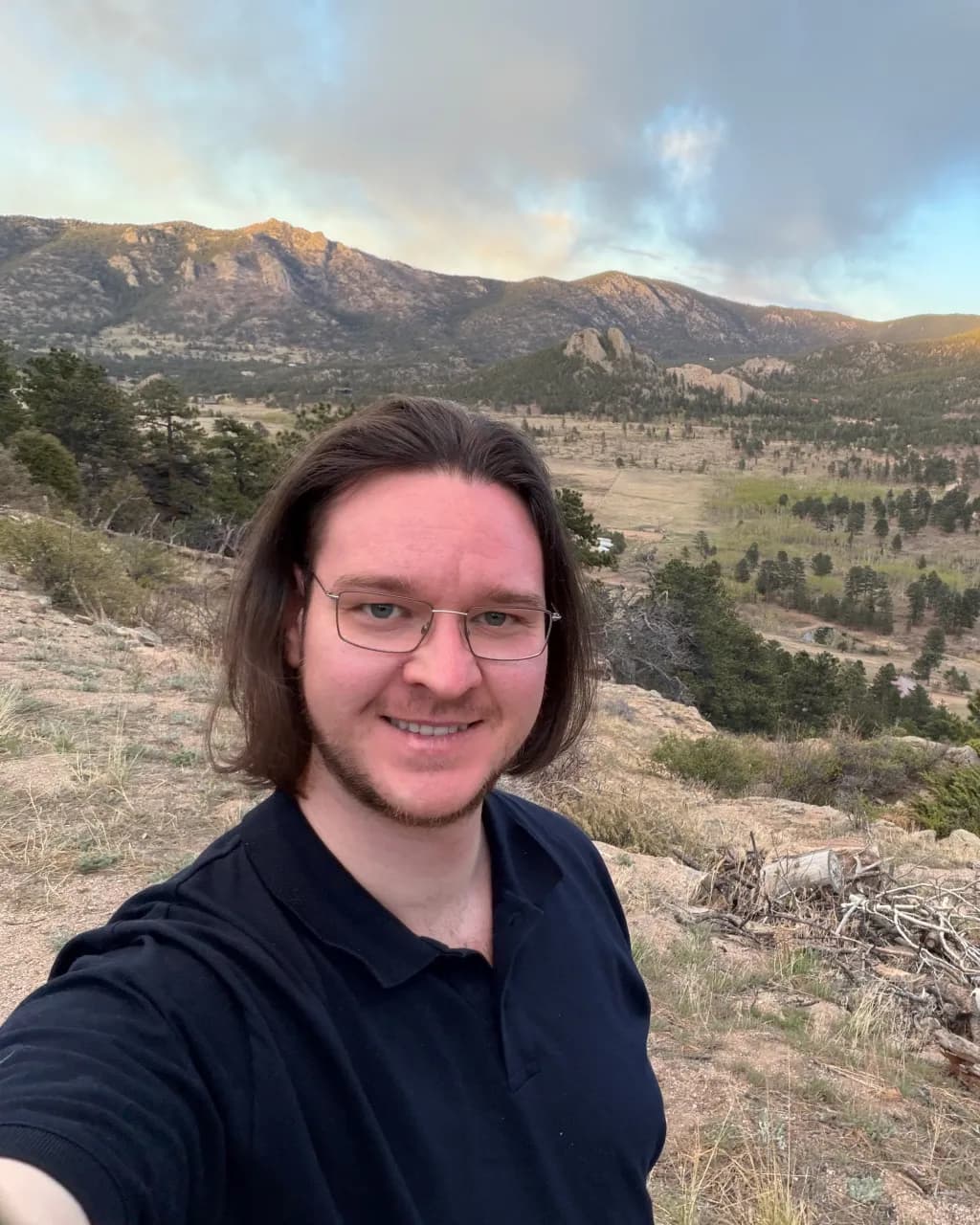
Your selfies guide the AI, so the result keeps your real face — not a generic AI stranger. Here's our founder: a phone selfie on the left, PoseLab on the right. Same person, about 25 minutes apart.

Candid phone selfie of PoseLab's founder before generation

Phone selfie

No lighting. No retouch.

AI headshot of PoseLab's founder generated by PoseLab

PoseLab

Same face. About 25 minutes later.

Built by someone who uses it

PoseLab is run by its founder — the headshot above is his own. If it didn't work on his face, this page wouldn't exist.

A real person answers

No support maze or chatbot. Every email goes to a real inbox, usually answered within a day.

Nothing to lose

See a free preview on your own face before paying, and every paid tier is backed by a 14-day money-back guarantee.

How AI headshots work. No shoot day.

01

Upload 3–20 selfies

Front-facing, varied outfits and lighting. No sunglasses or group shots. The more variety you give us, the better the AI can work with your features. Takes about a minute from your phone.

02

We create from your references

Your selfies guide the AI so each portrait still looks like you, not a generic AI face. We create all styles at once and typically wrap in about 25 minutes.

03

Download your headshots

You'll get an email with a link to your private gallery the moment it's ready. Filter by style, mark your favorites, and grab a ZIP of the full set. Your gallery stays active for 30 days.

One-time pricing. No subscription.

  • Starter $9.99

    5 headshots across 5 styles

  • Pro $19.99

    21 headshots across 7 styles

  • Premium $35

    48 headshots across 12 styles

Pay once · Free retry guarantee · Refunds within 14 days

Also worth reading

Headshots for job seekers — FAQ

Should I put a photo on my résumé?+

In the US, usually not — most employers don't expect it and some applicant-tracking systems handle images badly. Put it on LinkedIn, your portfolio, and any candidate profile instead. If you're applying in a country where a CV photo is standard, follow that convention instead of the American one.

Can I use the same headshot on my CV and applications?+

Yes. You own the images outright and can put them on your CV, LinkedIn, cover letters, and any application portal. A full gallery gives you several styles to match different industries.

Which style is best for job applications?+

Corporate and Friendly are the safest all-rounders for most roles. Startup and Creative suit tech and design. Because every tier includes the five core styles, you can pick per application.

Is a polished headshot overkill early in my career?+

No, but keep it in register. A first-job candidate in a three-piece Executive portrait looks borrowed; the same person in the Friendly or Startup style just looks like they took ten minutes over their profile. The entry tier is $9.99, which is roughly the cost of the coffee you'd buy at an in-person interview.

Is the free preview really free?+

Yes. One watermarked headshot per email address, no credit card required. You only pay if you like the result and decide to unlock the full gallery.

Will the headshots actually look like me?+

Yes — that's the core of how it works. Your input selfies act as identity references for the image model, so the generated faces inherit your real face, skin tone, hair, and features. The free preview lets you confirm this on your own face before paying.

How long until I get my headshots?+

Your free preview lands in about 60 seconds. After you upgrade, the full gallery is ready in about 25 minutes — emailed automatically.

What kind of photos should I upload?+

3–20 recent selfies or casual portraits. Vary your outfits, backgrounds, and lighting. Shoulders-up framing works best. Avoid sunglasses, hats, heavy filters, group shots, and photos more than a year or two old. The more variety you give us, the stronger your results.

What if I don't like the results?+

Email hello@poselab.io within 14 days. We'll first retry the style with tighter prompts at no charge. If the retry still misses the mark, we'll issue a full refund — no questions asked.

One photo, every place you apply.

Upload 3–20 selfies. Get one watermarked headshot back in about 60 seconds. Pay only if you love it — and we'll refund within 14 days if you change your mind.

Free preview · No subscription · 14-day money-back guarantee